
Can I use my own domain, logo and colors in Clarityflow, and which plans include them?
Yes. Clarityflow can show your logo, favicon and brand colors on the pages and emails your clients see, and use your own domain, such as coaching.yourdomain.com, in the links they open. Every plan includes a custom yourname.clarityflow.com address; custom branding and a connected domain depend on your plan, as listed on the pricing page.
Updated · By Clarityflow
This page is published by Clarityflow, the coaching software it describes; the steps follow Clarityflow's help guides.
Branding and domain facts
Fact | Detail |
|---|---|
Your Clarityflow address | Every plan includes a custom yourname.clarityflow.com address |
Custom branding | Your logo at the top of your emails and the pages clients see, an account icon, a favicon, and a color theme or your own colors, depending on your plan |
Your own domain | A subdomain (such as coaching.yourdomain.com), www or your main domain in place of yourname.clarityflow.com, depending on your plan |
Where to set it up | Account Settings › Branding, and Account Settings › Custom domain |
Logging in with your own domain | yourdomain.com/login or app.clarityflow.com/login |
Changing plans | Change plans anytime |
Which plans include custom branding and a custom domain | The Domains & Branding rows at clarityflow.com/pricing |
Facts checked November 2, 2026.
Before you start
You need:
A Clarityflow plan that includes custom branding and a custom domain. Check pricing for which plans include them.
Your logo, a square icon, and a favicon of 32×32 pixels in .ico or .png format.
Your brand colors.
For your own domain: a domain you own, and access to its DNS settings.
When you're done, clients see your logo, your colors and your domain on the pages and emails they get from you.
Add your logo and colors
Open Account Settings › Branding.
Upload your logo files. In Logo, add the Account Logo (shown at the top of your emails and the pages clients see), the Account Icon (shown in the top-left corner of your account) and the Account Favicon (32×32 pixels, .ico or .png). Save your changes.
Choose your colors. In Colors, select a theme to apply a pre-built color scheme, or set your own Primary, Secondary and Surfaces colors. Clarityflow uses them on buttons, links and other elements in your account and your emails. Save your changes.
Check the result. Open one of your conversations and a notification email to see your logo and colors as clients will.
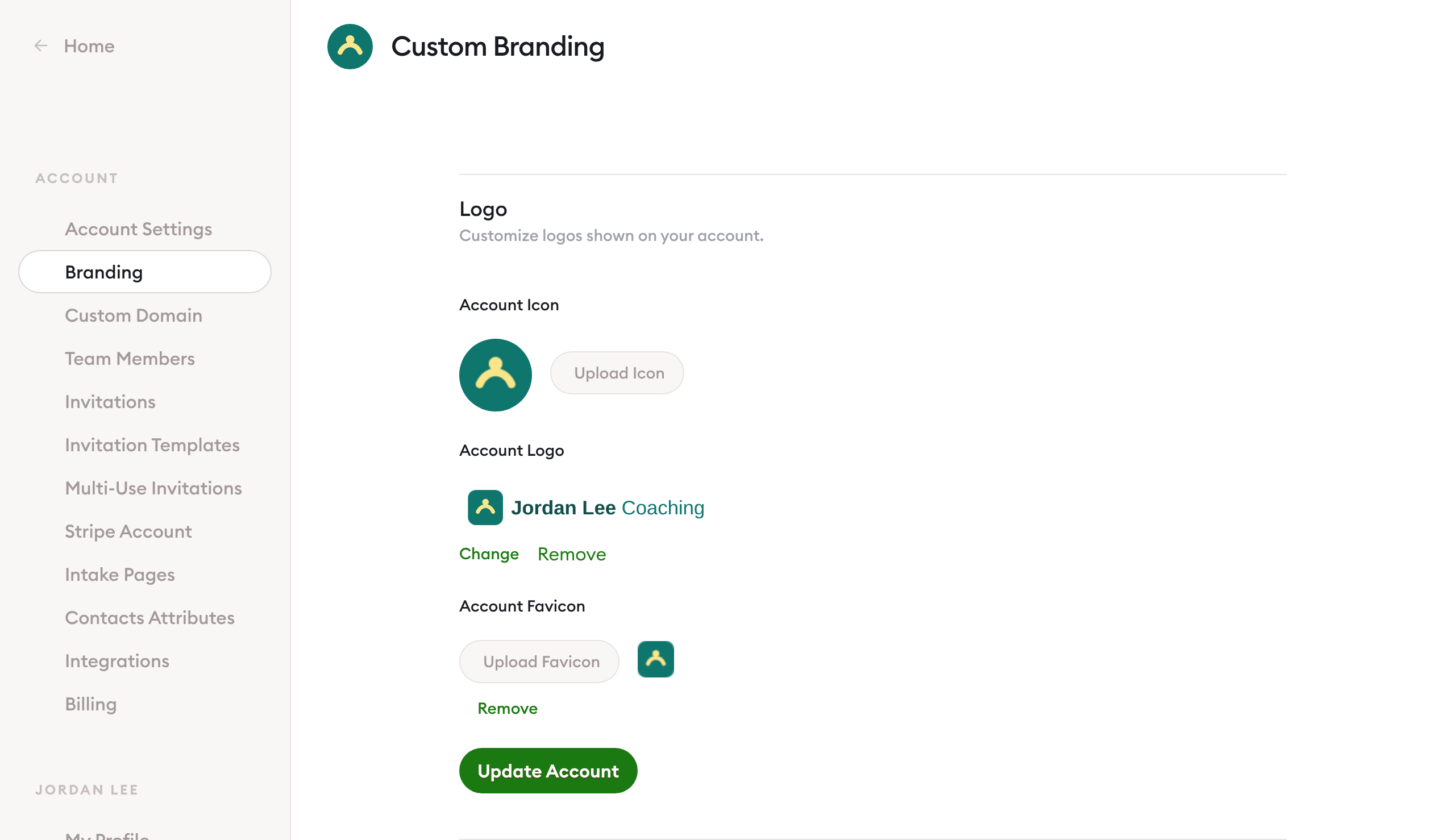
Account Settings › Branding, the Logo panel. Screen captured November 2026 with a sample logo.
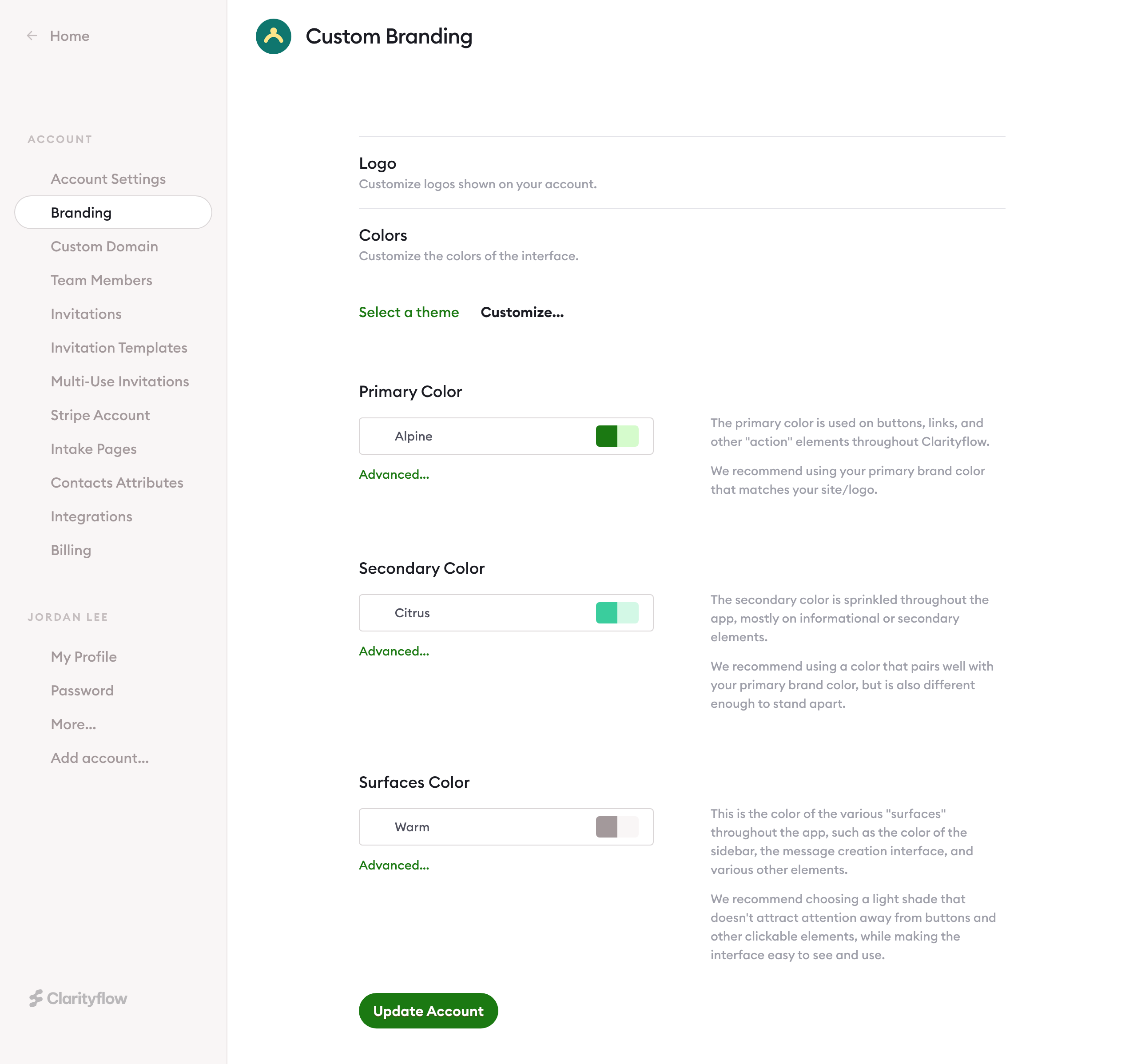
Account Settings › Branding, the Colors panel. Screen captured November 2026.
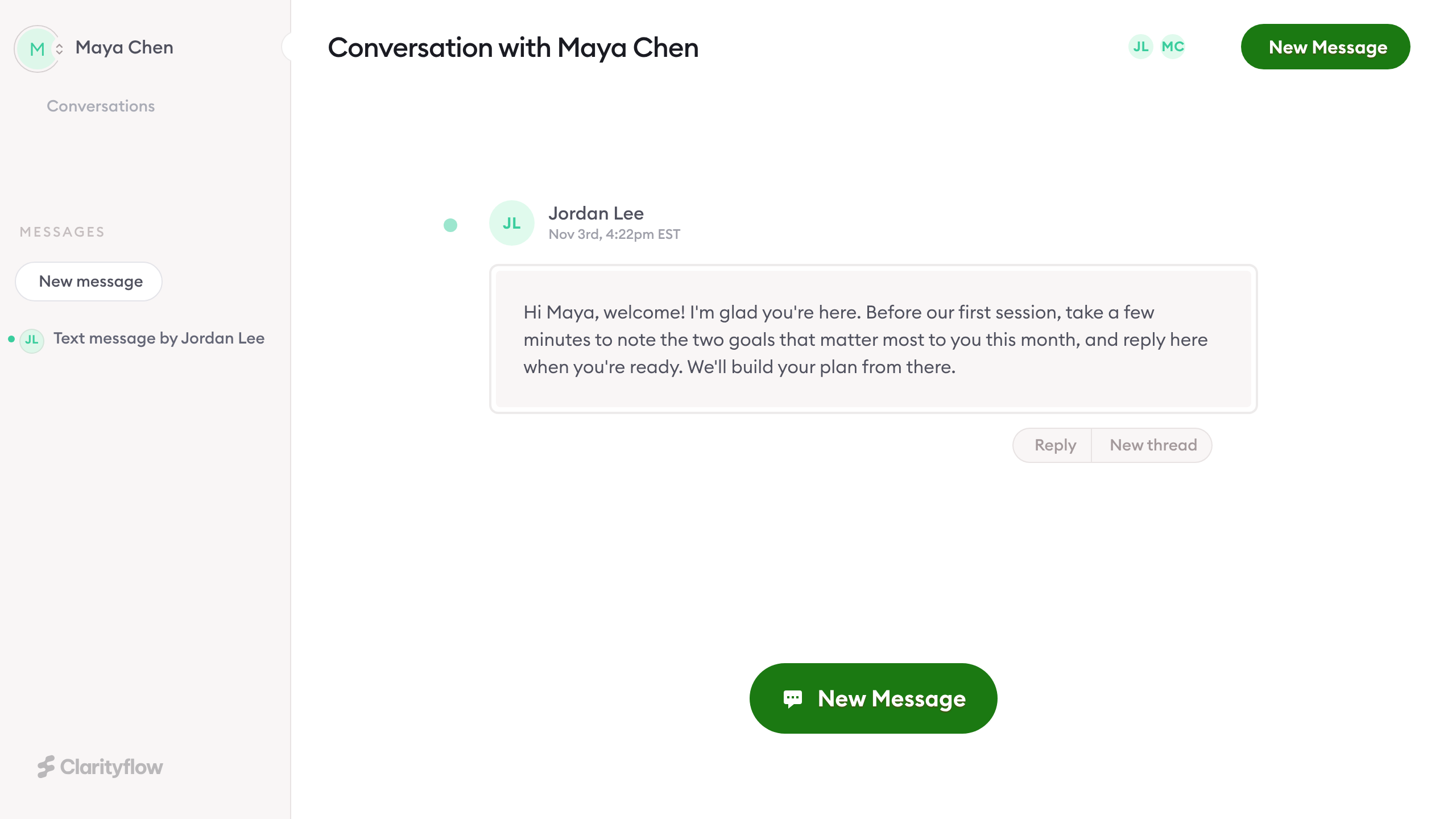
A conversation as a client sees it, in the coach's colors. Screen captured November 2026 with sample names.
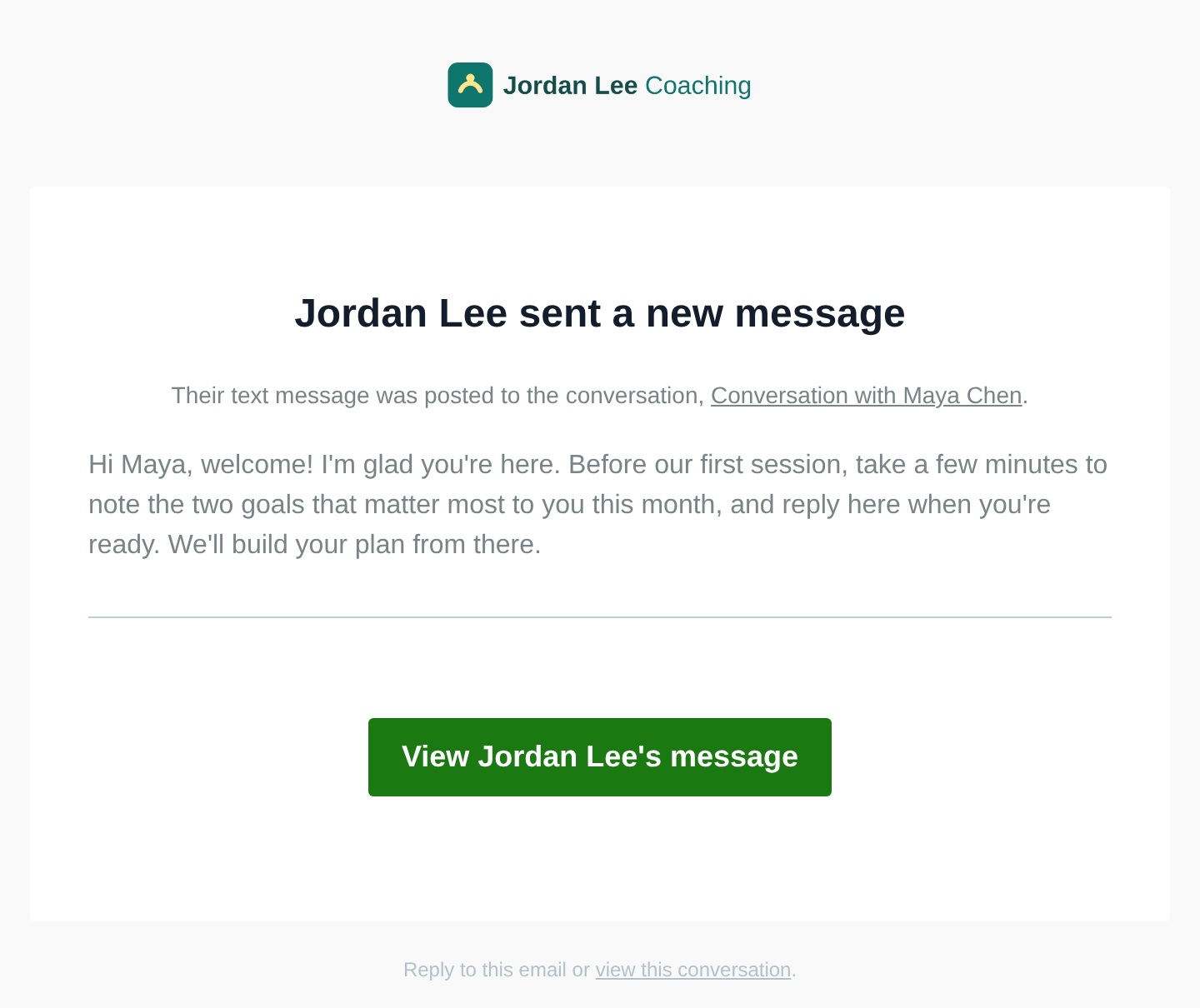
A notification email with the coach's logo and colors. Screen captured November 2026 with sample names.
Connect your own domain
First choose which address to use:
A subdomain, such as coaching.yourdomain.com: the most common choice, and it leaves your main website where it is.
www, such as www.yourdomain.com.
Your main domain, such as yourdomain.com. For this, the domain guide recommends Cloudflare as your DNS provider.
Then:
Enter your domain. Open Account Settings › Custom domain, type the domain without https://, and select Continue.
Create the CNAME record. Add the CNAME record Clarityflow shows you at your DNS provider. There are step-by-step guides for GoDaddy and Cloudflare.
Verify. Back in Clarityflow, select "I did this. Verify...". A new DNS record can take from a few minutes to an hour to appear, and in rare cases up to 24 hours; if verification doesn't succeed right away, try again a little later.
Activate. Activate the domain. Activation can take up to 90 minutes, and Clarityflow emails you when it's complete.
From then on, you and your clients can log in at yourdomain.com/login or app.clarityflow.com/login. For every detail, including subdomain, www and main-domain setups, see how to connect your own domain.
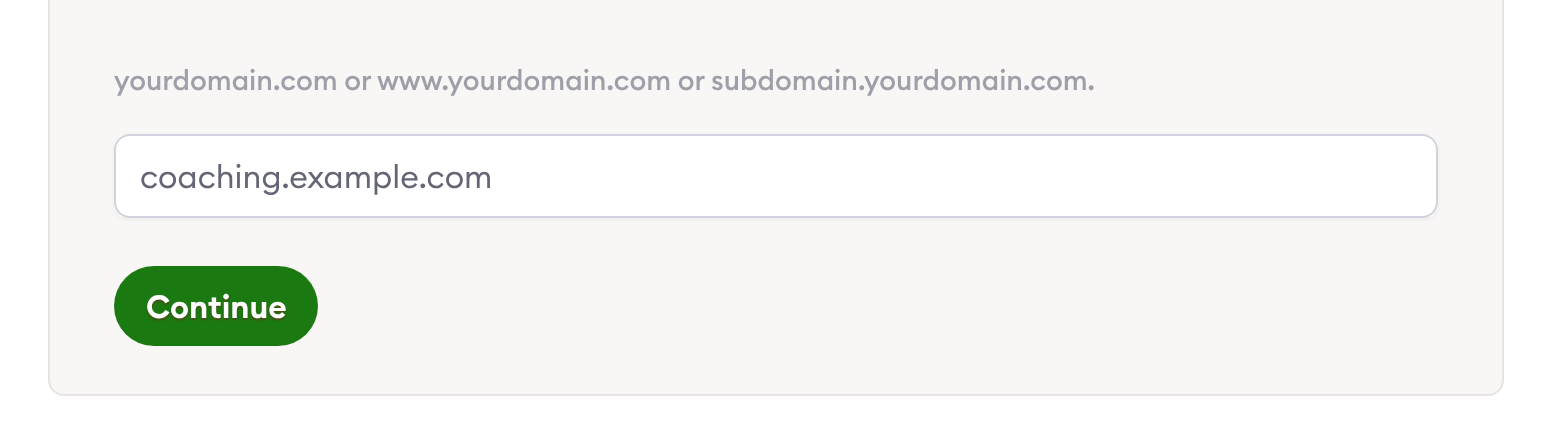
Account Settings › Custom domain, step 1, with the test domain coaching.example.com. Screen captured November 2026.
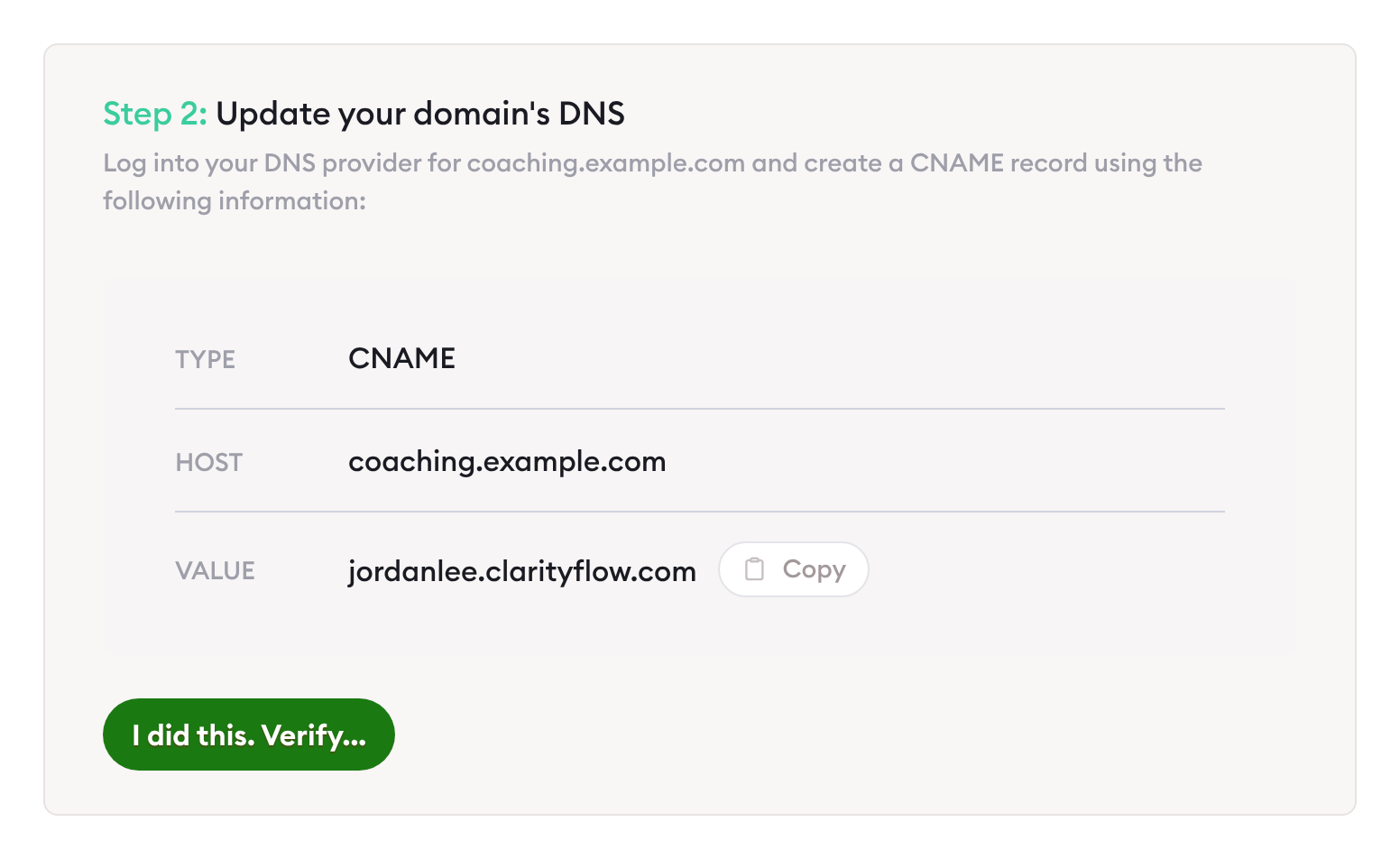
Step 2: the CNAME record for a test domain. Screen captured November 2026 with a sample Clarityflow address.
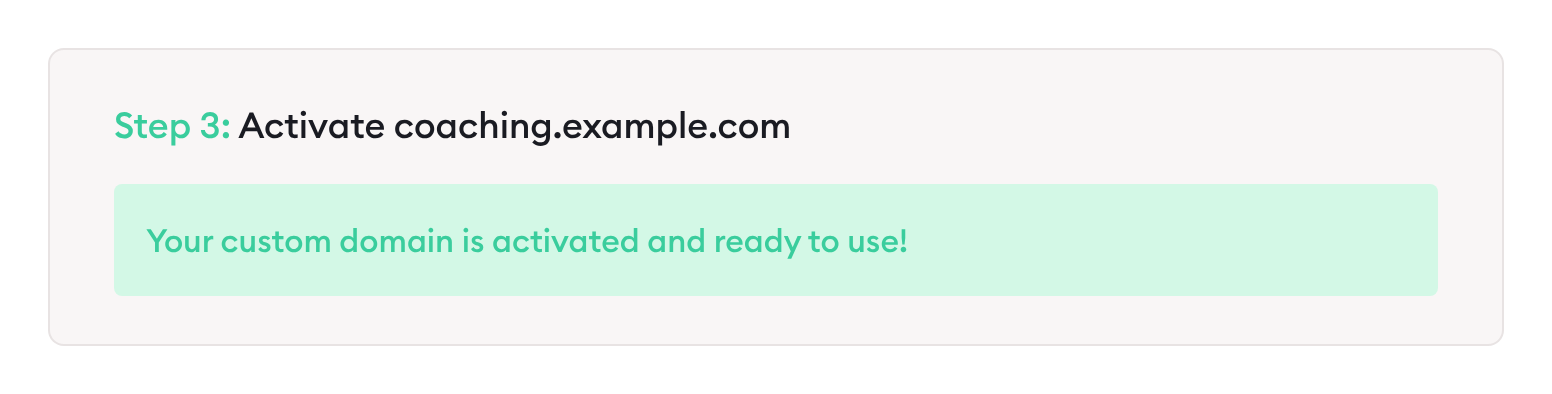
The confirmation after activation. Screen captured November 2026.
Your Clarityflow address, on every plan
Every Clarityflow plan includes a custom address, yourname.clarityflow.com, in place of the one Clarityflow assigns. Choose it once, early: changing it later changes the address of every conversation you've shared. See how to customize your Clarityflow URL.
Limits of this page: it describes Clarityflow as documented in its help guides and pricing page on November 3, 2026; screens and menu labels can change.
When not to use this
Your plan doesn't include custom branding or a custom domain. Saving a logo or colors, or opening Custom domain, takes you to the upgrade page. See which plans include them on the pricing page.
You haven't settled on a domain yet. Changing your custom domain, or your yourname.clarityflow.com address, later changes every conversation URL, so pick it before you invite clients.
You rely on Clarityflow's built-in form spam protection. With a custom domain, forms' built-in spam protection doesn't work; you add your own Google reCAPTCHA or Cloudflare Turnstile keys instead. See form spam protection.
You want your main domain but don't use Cloudflare for DNS. For a main ("naked") domain, the domain guide recommends Cloudflare as your DNS provider. A subdomain is the most common choice and avoids that.
If you disconnect your domain later, your account goes back to its yourname.clarityflow.com address.
Frequently asked questions
Can I use my own domain on every Clarityflow plan?
Every plan includes a custom yourname.clarityflow.com address. Connecting your own domain depends on your plan; the Domains & Branding rows on the pricing page show which plans include it. You can change plans anytime.
Where do my clients log in once my domain is connected?
At yourdomain.com/login, or at app.clarityflow.com/login. Both work for you and your clients.
See your brand in Clarityflow
See how a coach's branding and domain look to clients, and which plan fits.

Learn more about Clarityflow.